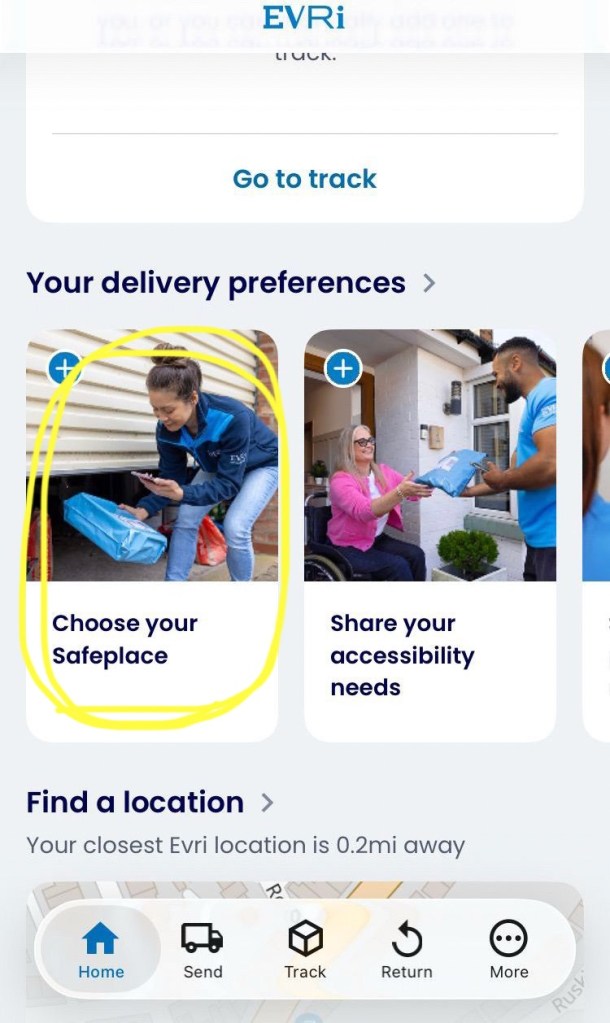
If your delivery has been arranged by a seller such as Temu or Next using Evri, by creating an account with Evri you can track your parcel in transit and have greater control over delivery preferences.
If you have trouble with digital technology, this guide could help guide you through the process.
Downloading The App
Click the buttons above to download the Evri app on your mobile device or tablet.
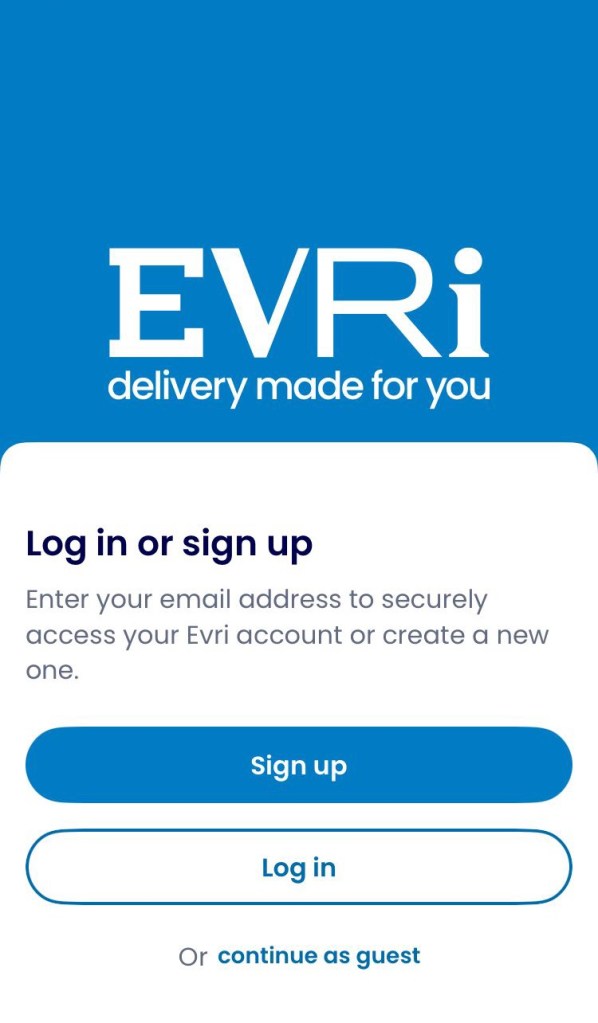
If you wish to track your parcel without signing up and providing your details, you can use the “continue as guest” option and skip these next few steps.
However if you use the sellers regularly, it may be easier to keep track of many deliveries by having them saved together in the Evri app.
Signing Up & Creating An Account
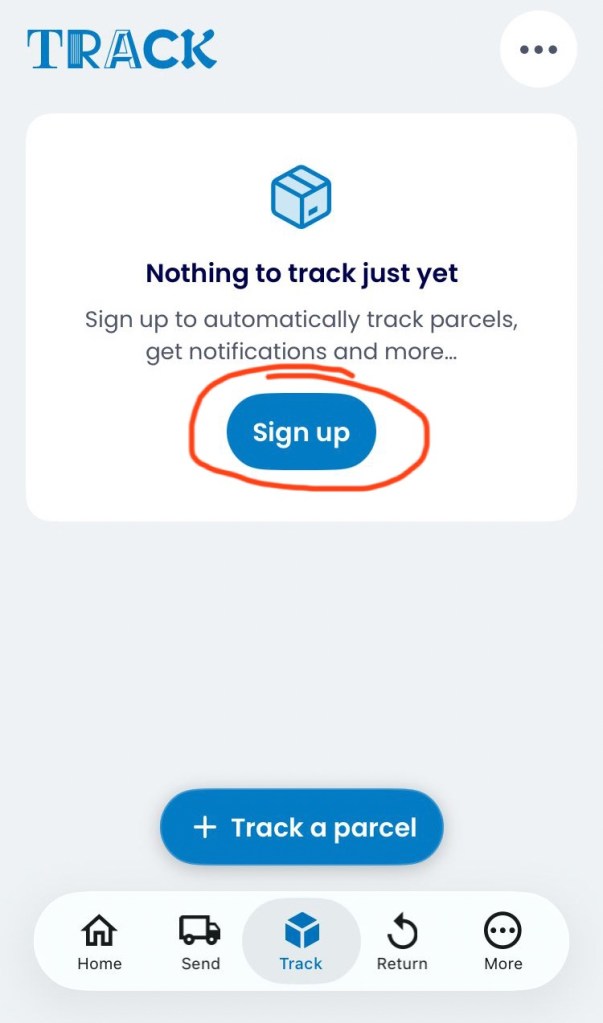
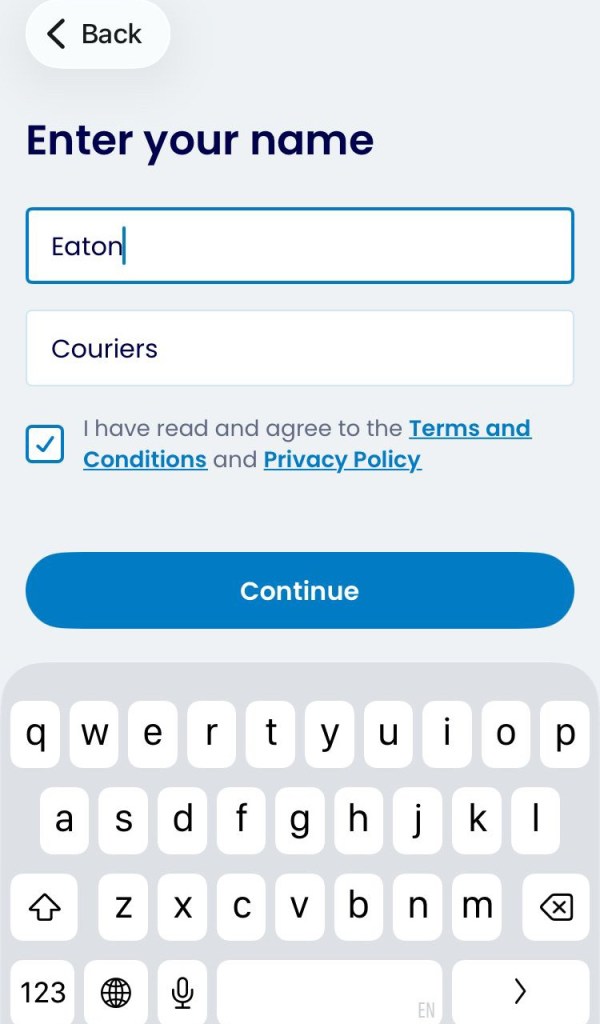
Press Continue to move on to the next step.
Providing an Email Address
Make sure the email address you choose is signed in and active because you will receive an email to confirm the account.
Take care to use lowercase and use accurate spelling.
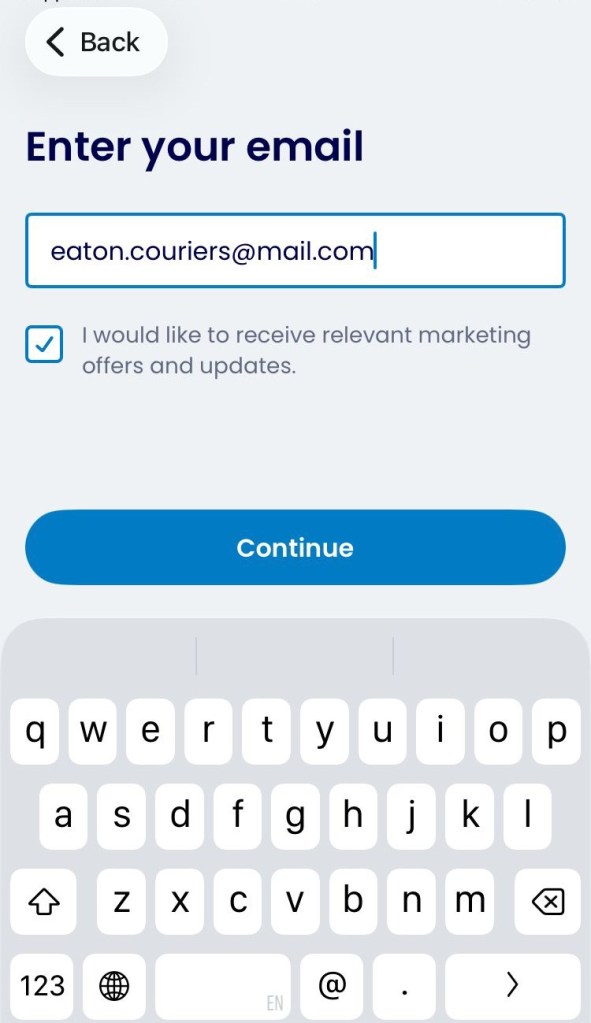
Press Continue to move on to the next step.
Creating a Password
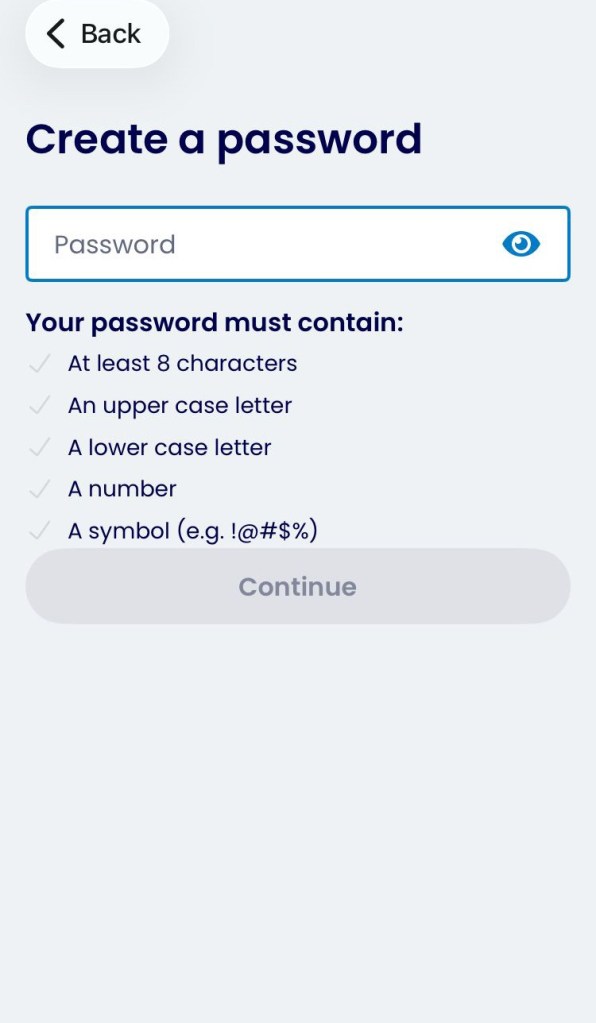
Press Continue to move on to the next step.
The screen may look like this.
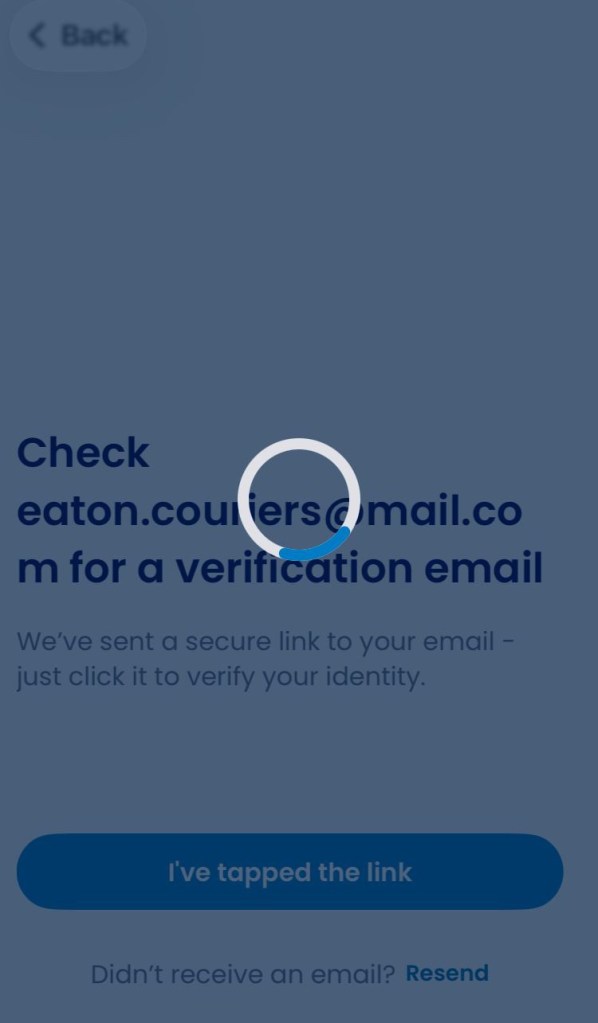
Check Your Email
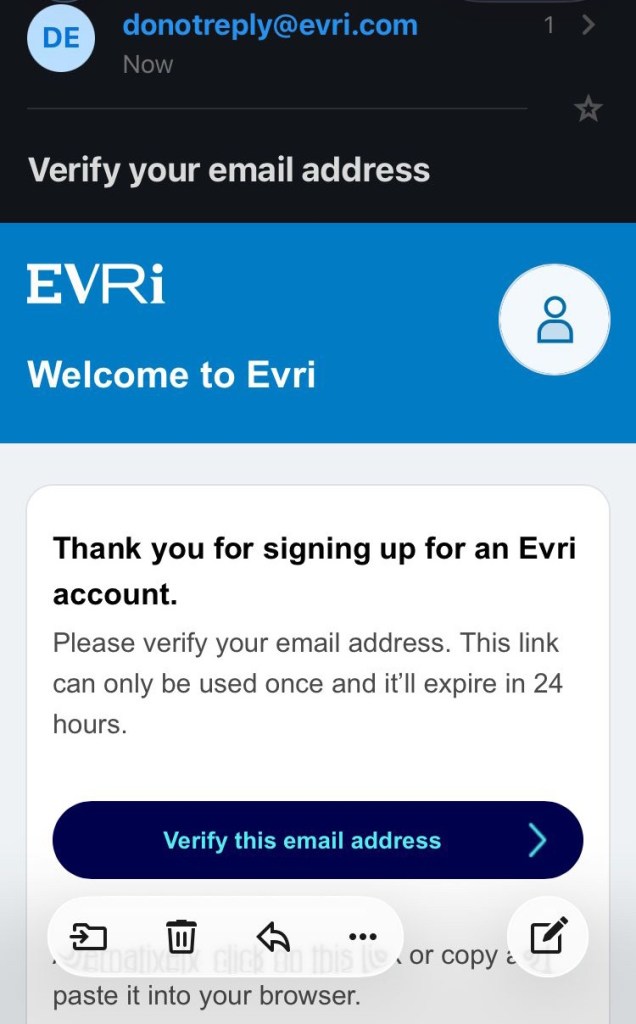
Evri Account Logged In Through the App
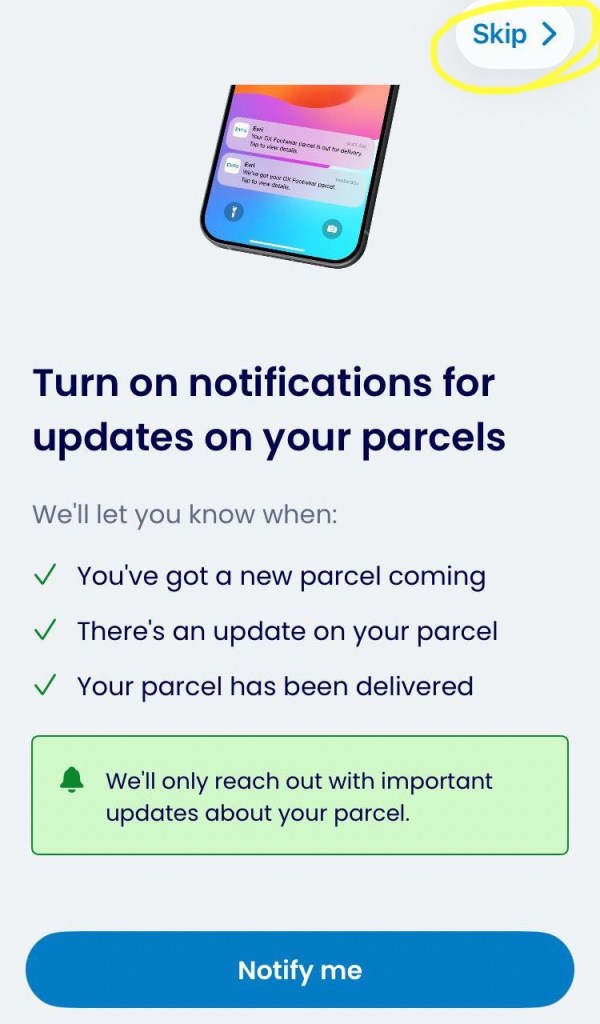
If you would prefer not to receive notifications, use the “Skip” button at the top right corner, circled In yellow.
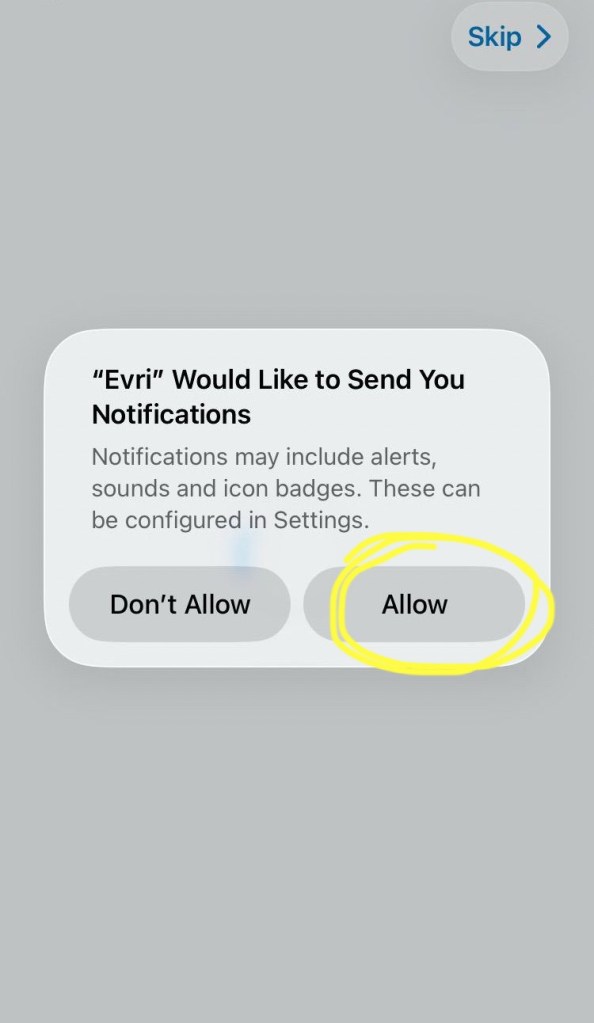
If you chose to accept Notifications a request will pop up, if you’re happy to accept choose “Allow” circled in yellow.
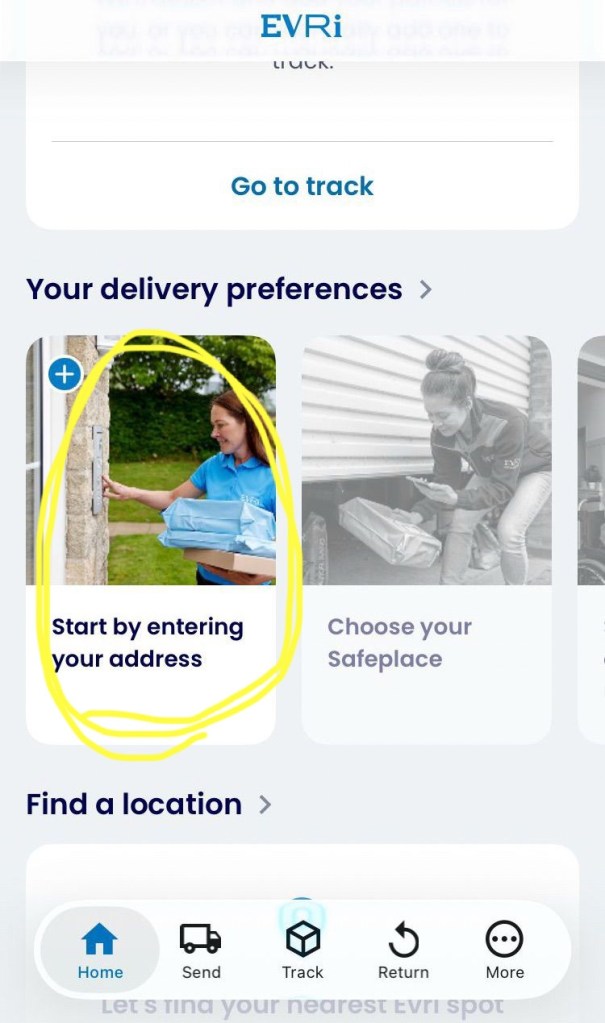
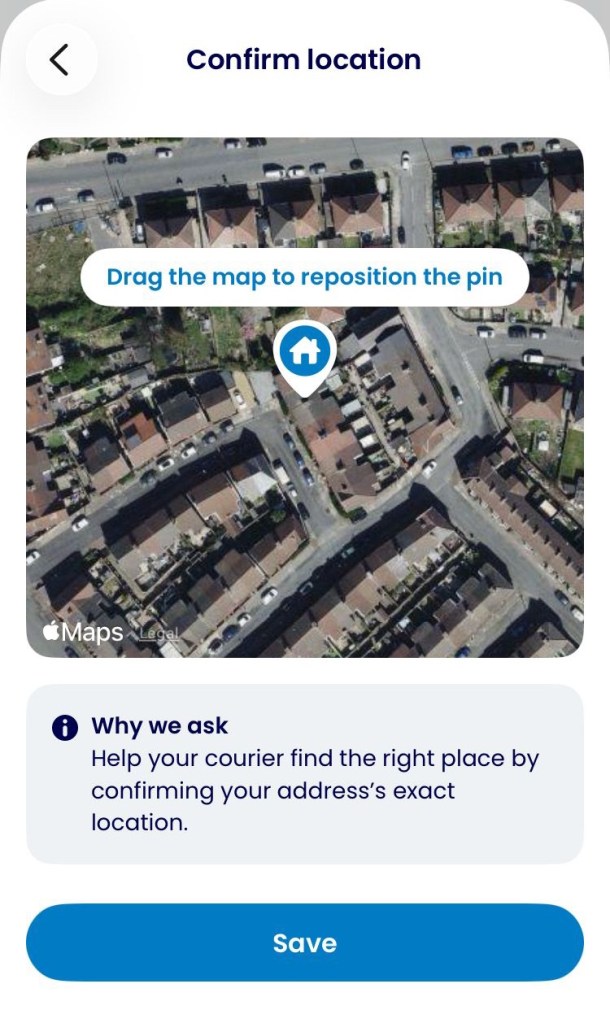
Registering Your Address

Choosing Your Safe Place